
Get connected to industry technology, techniques, and professionals

Canadian Theatre  |  Schools  |  Churches  |  Higher Education

Want to build your skills this year?

Take a look at what’s ahead at Resource Stage and choose the seminars that align with your goals. Register for the sessions that will help you feel more prepared, more supported, and ready for your next production.

If you're interested in learning more, check out our upcoming seminars and conversations!

Recent Resource Stage Seminar


Accessibility Solutions.

Assistive Listening Systems.

Tuesday, April 21st, 2026

In this Resource Stage seminar, we take a practical look at Assistive Listening Systems and how they can help make theatres, churches, and live event spaces more accessible.


Clear sound is essential—but not every audience member experiences it the same way. In this session, we explore both traditional and newer assistive listening technologies, how they work, and what to consider when choosing a system for your space.


Whether you're supporting a performance, service, or event, this seminar offers a helpful starting point for improving clarity and accessibility for your audience.

Watch Online >>

A NEW Resource Stage project from Horizon Solutions

Online stage technology discussions  specifically for educators

Next Study Hall session:

April 24th from 12:30 p.m. - 2:30 p.m.

Upcoming Sessions >
Microphone, sound mixer, spotlight, and projector icons.

Watch previous Study Hall sessions on YouTube

YouTube logo: Red rectangle with white play button.

Monthly seminars to help you get connected


For 20 years Resource Stage seminars and events have helped audio, video and lighting operators and technicians learn more and hone their skills.  Seminars range from the basics of microphones to stage lighting design and live streaming for events.  Everyone is welcome to join us for these seminars either at our location in London or online.

Conversations with industry professionals


Behind the scenes, away from the spot light there are countless women and men, making the magic of theatre and live events.  Resource Stage Conversations is a series dedicated to giving those professionals a voice.
CONVERSATIONS

Resource Stage Blog


By Jordan Elgie July 22, 2026
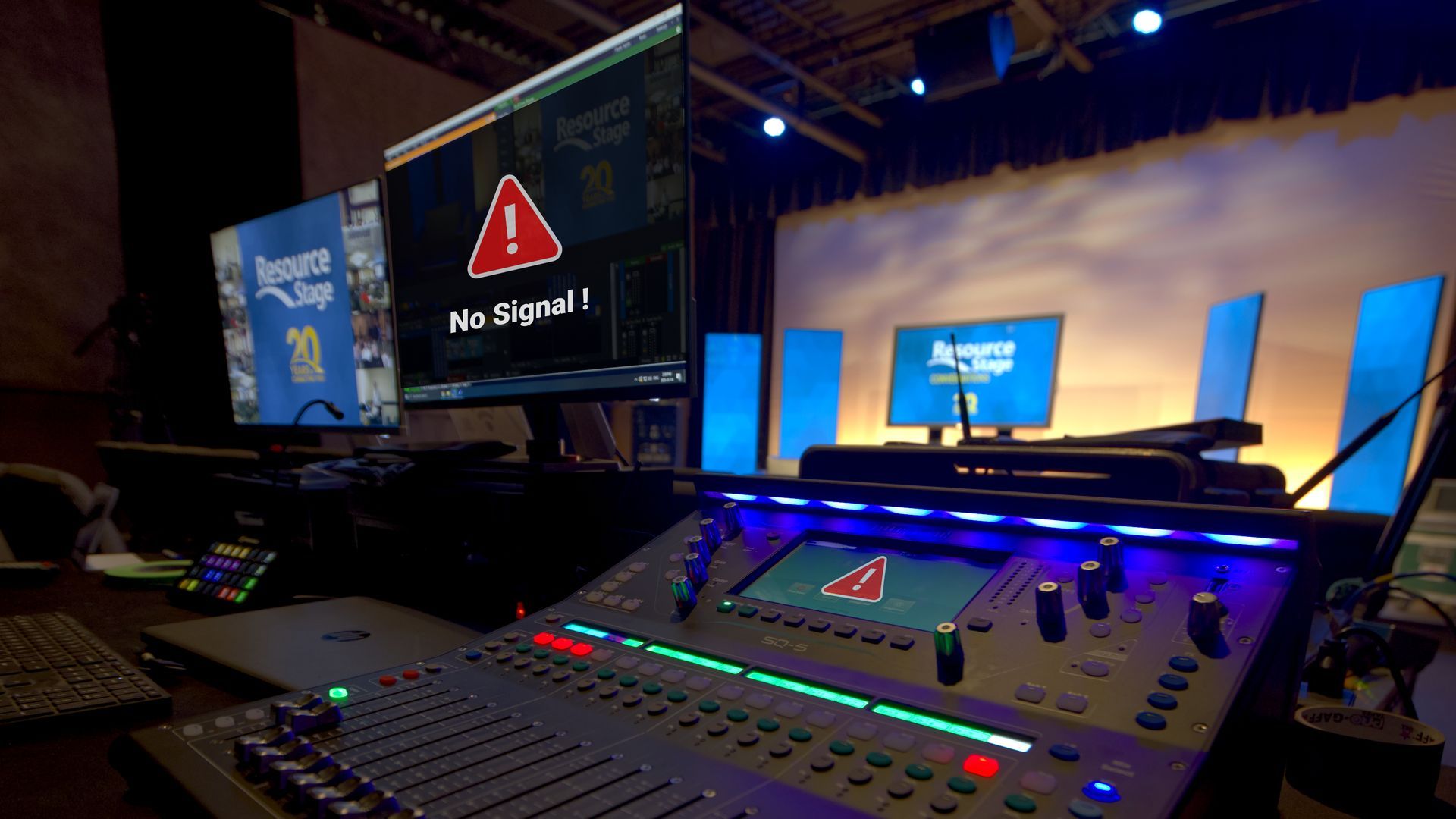
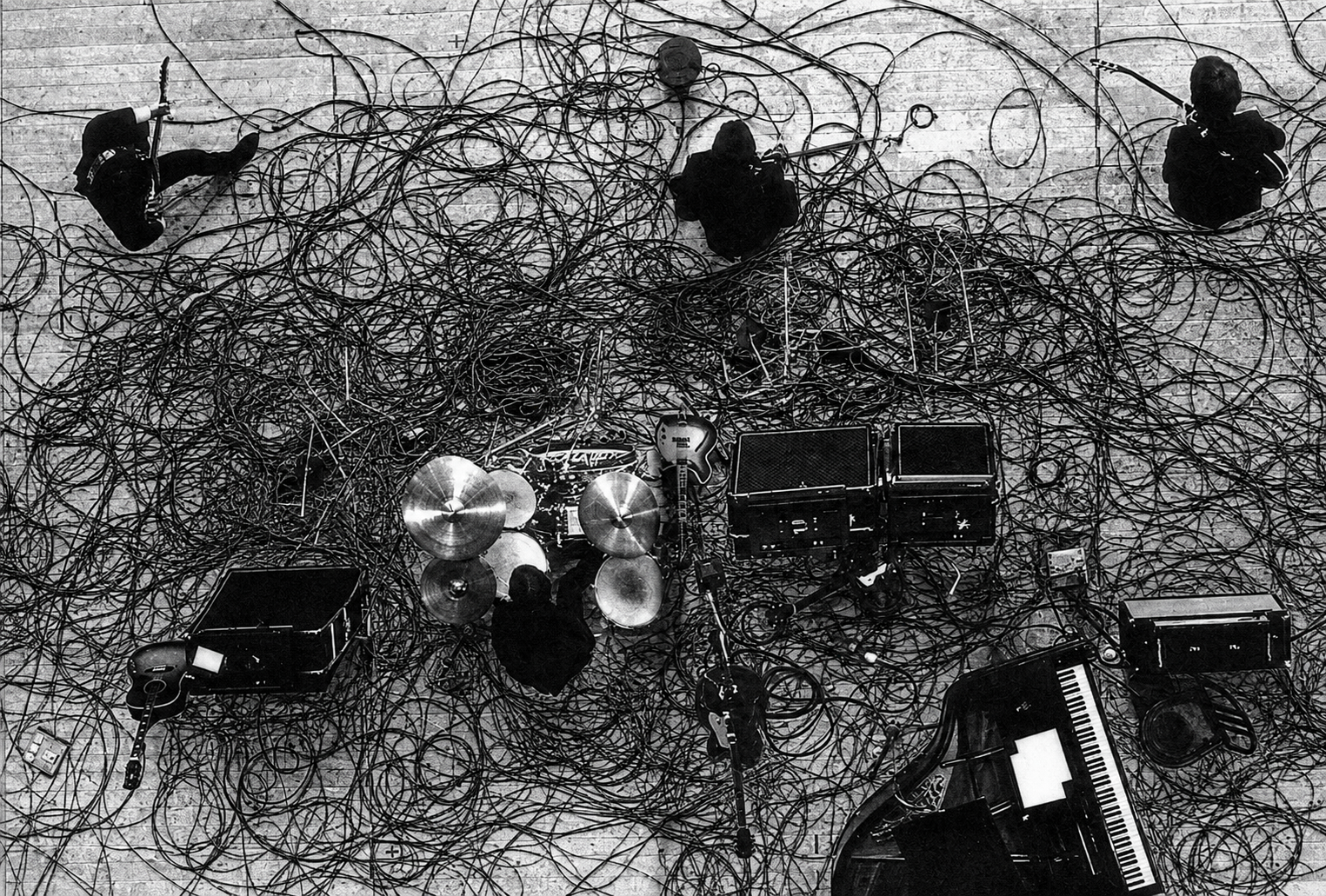
If you’ve spent any time behind a console, in a booth, or backstage, you know this feeling well. The lights stop responding. A video signal refuses to appear where it’s supposed to. A strange hum suddenly shows up in the PA five minutes before doors. Troubleshooting is one of those universal skills in audio, lighting, and video — no matter your role, your venue, or your experience level. And while every system is different, the way you approach a problem matters just as much, or possibly even more, than tools you have in front of you. Recently, we surveyed 15 industry professionals across live sound, lighting, broadcast, and theatre. Different backgrounds, different disciplines — but their advice lined up almost unanimously: When you’re troubleshooting a problem, follow your signal path and only change one thing at a time. It sounds almost too simple. But this mindset is what separates efficient problem-solving from panic-driven cable swapping. Follow the Signal Path Every technical system — audio, lighting, or video — follows a logical signal path. And when something goes wrong, this is where disciplined troubleshooting really matters. As you move through that signal path, the rule stays the same the entire time: only change one thing at a time. Not one change per device. One change — then test. Start at the beginning of the signal chain and work forward step by step. At each point, ask yourself two very specific sets of questions: Do I have signal here? And just as important: is it the right signal? Do I have power here? And again: is it the right power? Those questions alone will eliminate a huge amount of guesswork. Once you’ve answered them, you can then ask the next burning question: Where exactly does the system stop behaving the way I expect? That’s how you narrow down the problem instead of chasing ghosts. When you make a change — swap a cable, adjust a setting, move a patch — test it. If it didn’t fix the issue, change it back before moving on. This keeps your system in a known state and prevents you from stacking changes on top of each other. Working this way might feel slower in the moment, but it’s dramatically faster in the long run. You stay oriented, you stay calm, and you always know what actually helped — and what didn’t. One Change. Then Test. Here’s the part people know… but don’t always follow under pressure. Change one thing. One cable. One fixture. One channel. One setting. Then test. If it didn’t fix the issue, change it back. Only then do you move on to the next change. Why is this so important? Because changing five things at once might feel faster — but it guarantees confusion. If the problem suddenly goes away, you won’t know which change actually solved it. And if it gets worse, you won’t know what caused that either. Systematic troubleshooting gives you clarity. It turns a stressful moment into a controlled process.
Black-and-white scene of tangled wires and scattered objects on a table, with several small figures around it
By Jordan Elgie June 9, 2026
Step 1: Plan Your Cable Paths Before you start plugging things in, take a moment to plan your routes. Run cables in straight lines where possible, and try to avoid high-traffic areas. Running your cables along walls, and the backs of set pieces or risers often make for cleaner, safer paths. Even in the best setups, it’s not always possible to avoid crossing where someone might walk. That’s where gaffer’s tape earns its reputation as a tech’s best friend.
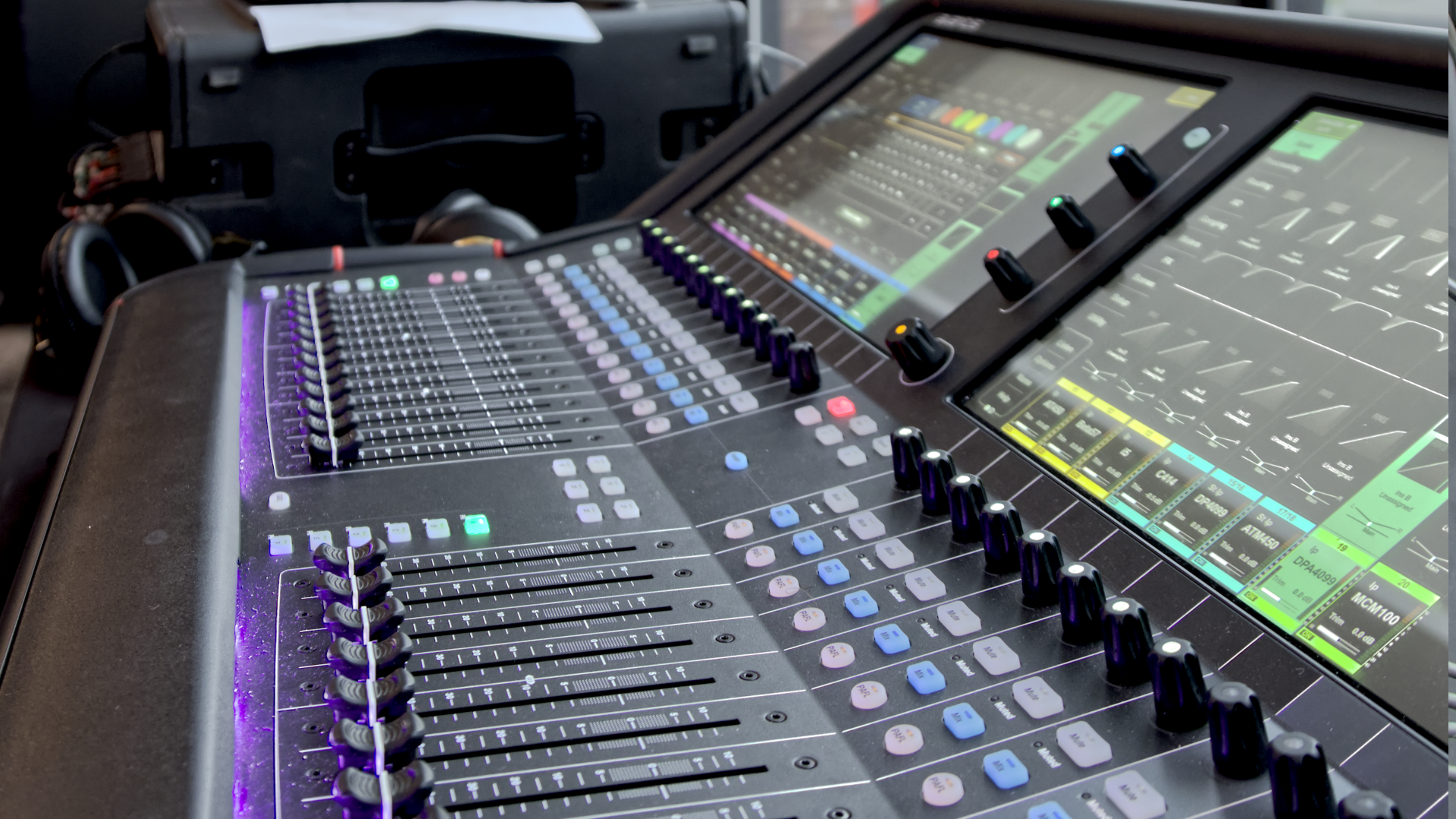
Digital audio mixing console with large touchscreen, illuminated buttons, and faders.
April 15, 2026
Learn how to set mic gain properly for cleaner audio, less feedback, and more consistent sound in live events, worship, and productions.
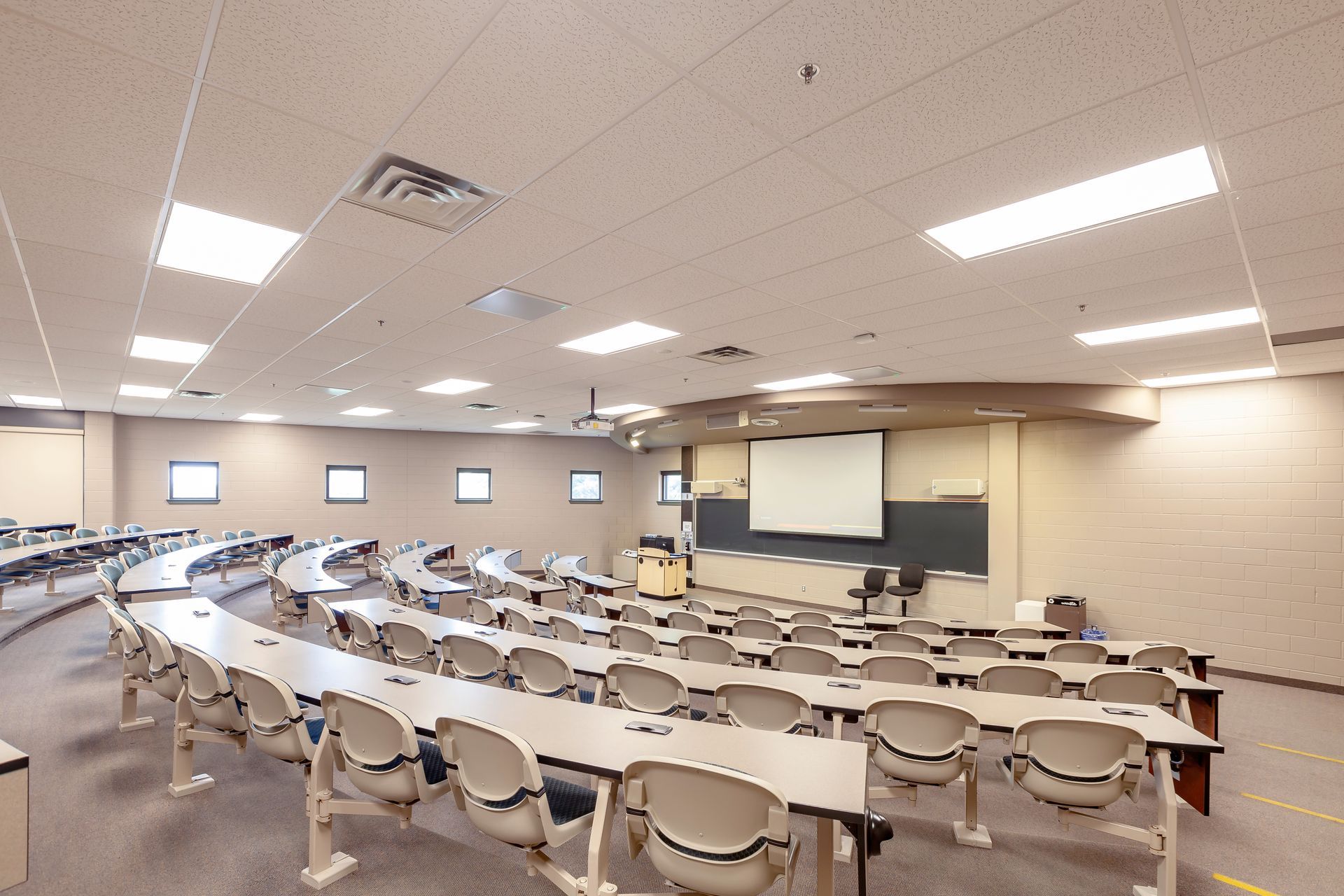
A conference room with a large screen on the wall and a wooden table.
November 19, 2024
When it comes to procurement for professional audio, lighting, and video services, is it possible to balance the “best price” and “best service”? We think it is! Below are some insights that may help you navigate this challenge. The Challenge of Price-Driven Procurement Many municipalities and organizations are required to purchase from the vendor offering the lowest price. But is this approach always the best? As taxpayers, we want assurance that public money is being spent appropriately, and that there’s no room for favouritism or backdoor deals. The intent is good, but in practice, this system often results in a “bare bones” solution. The theory behind it is to guard against preferential treatment or collusion, ensuring that public funds are used responsibly. However, focusing solely on the lowest price can often result in solutions that are less than ideal. 
MORE RESOURCES

Customized training for your team at your location


Resource Stage customized onsite training is tailored to meet your team where they're at. 


Our professional staff provides training at YOUR location using YOUR equipment to help YOUR team dive deeper into technology and application concepts.

TAILORED TRAINING

Get Connected with us.